Quiz template.Make it yours.
Give learners a self-grading practice quiz. Customize the questions with the included AI prompt.
Free template. No account needed.
- Made for
- Teachers & training teams
- Includes
- Self-grading quiz with example questions
Why this template works
Research and practitioner guidance behind the structure.
Give learners a retrieval attempt
Roediger and Karpicke’s experiments found better delayed retention after testing than repeated study. Use the questions as practice.
Make the attempt useful
The study concerns retrieval practice and delayed memory. The example shows a score after answering; check the content against your learning goal.
Use results to plan the next practice
Retrieval practice provides a way to exercise recall. Use missed questions to choose what to revisit.
Sources: Roediger & Karpicke, Test-enhanced learning (2006) ↗(opens in a new tab).
Experimental retrieval-practice research; not a measured learning gain from this quiz template.
See what’s included
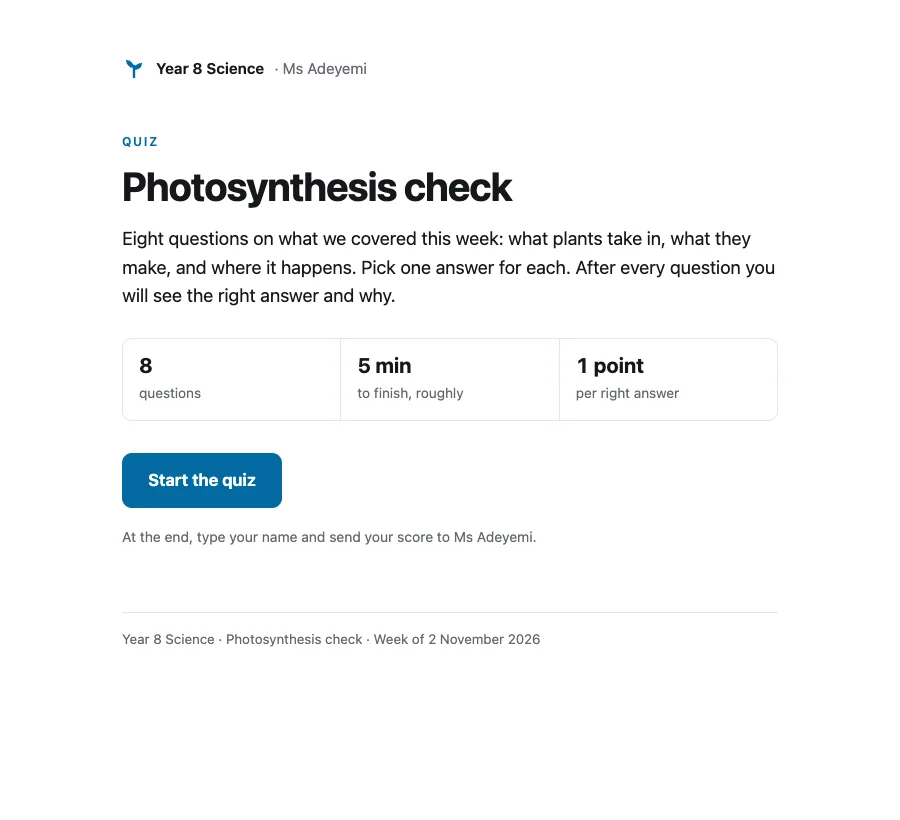
Which gas do plants take in to carry out photosynthesis?
Included in the working quiz example.
Which gas do plants take in to carry out photosynthesis?, Where in a plant cell does photosynthesis happen?, What is the green substance in leaves that absorbs light?Which of these does photosynthesis produce?
Included in the working quiz example.
Which of these does photosynthesis produce?, Complete the word equation: carbon dioxide + water → glucose + ..., Where does a plant get the water it uses for photosynthesis?A plant is kept in a dark cupboard for two days. What happens to photosynthesis?
Included in the working quiz example.
A plant is kept in a dark cupboard for two days. What happens to photosynthesis?, How does a plant store glucose it does not use straight away?, Your resultGood to know
Is this template free?
Yes. Use and download the example without an account. You can publish a link for 7 days, or sign up free to keep it.
Can I download it?
Yes. Choose Download in the workspace. Documents are available as Word or HTML. The quiz downloads as HTML so it keeps working.
Who can see my page?
Nothing is published until you choose Publish link. A published page is available to anyone with its link and excluded from search indexing. Password protection is available on a paid plan.
About password protection →Can I use AI to customize it?
Yes. Copy the included prompt into Claude or ChatGPT with your own notes. Review the draft and check the names, numbers and answers before publishing.
Questions about this template
How do I make a quiz that grades itself?
Ask an AI assistant for a quiz as one self-contained HTML file, with your questions and the correct answers, using the prompt on this page. The quiz scores each answer in the browser and shows the result at the end. Publish the file on Pagelive and the result screen sends each score back to you.
How do I see my students’ scores?
Open the page in your Pagelive dashboard and go to Replies. Every scored attempt appears in a results table with the name, the score, the percent and when it was sent, and Export CSV downloads the list with each answer for a spreadsheet or a gradebook. You also get an email for each one.
Do students need an account?
No. They open the link, take the quiz, type their name and press Send my score. Nothing to install and no sign-in.
Can students see the answers in the page source?
Yes, a determined student can. The quiz grades itself in the browser, so the answer key is inside the page. That is fine for practice, homework checks and training refreshers. For a test that counts, use a tool that grades on a server.
Which plan do I need?
Collecting results uses reply forms, which are on Solo ($15/mo) and Team ($49/mo per workspace). On Free the quiz still works for the student, but no score reaches you.
For a different kind of project
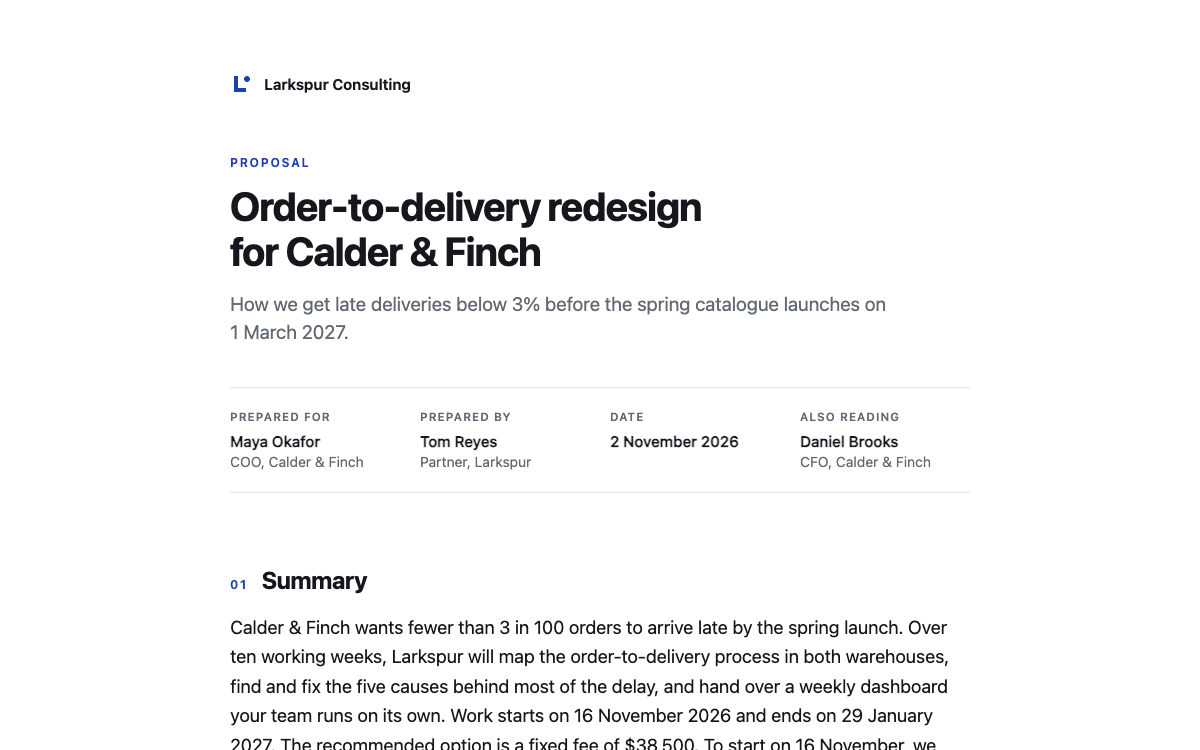
Proposal template
Give clients a clear scope, timeline and price. Edit the example, then share a link or download Word.
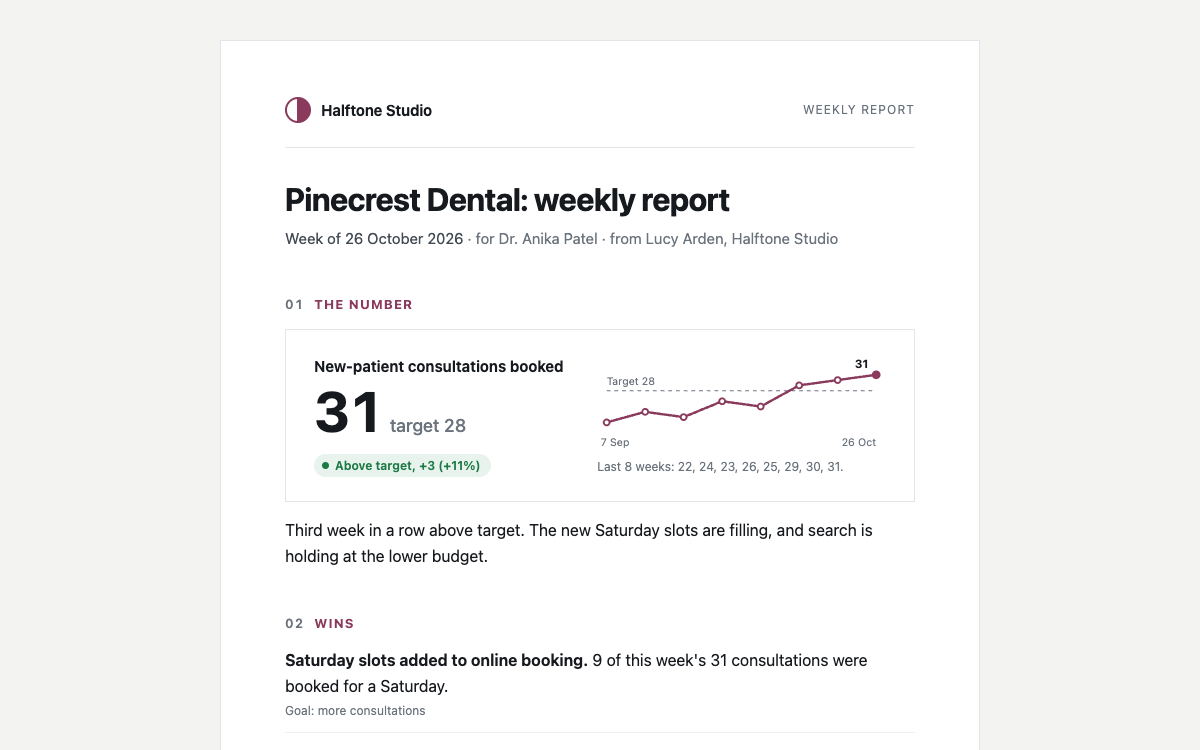
Weekly report template
Show what changed, what is blocked and what happens next in one short update.
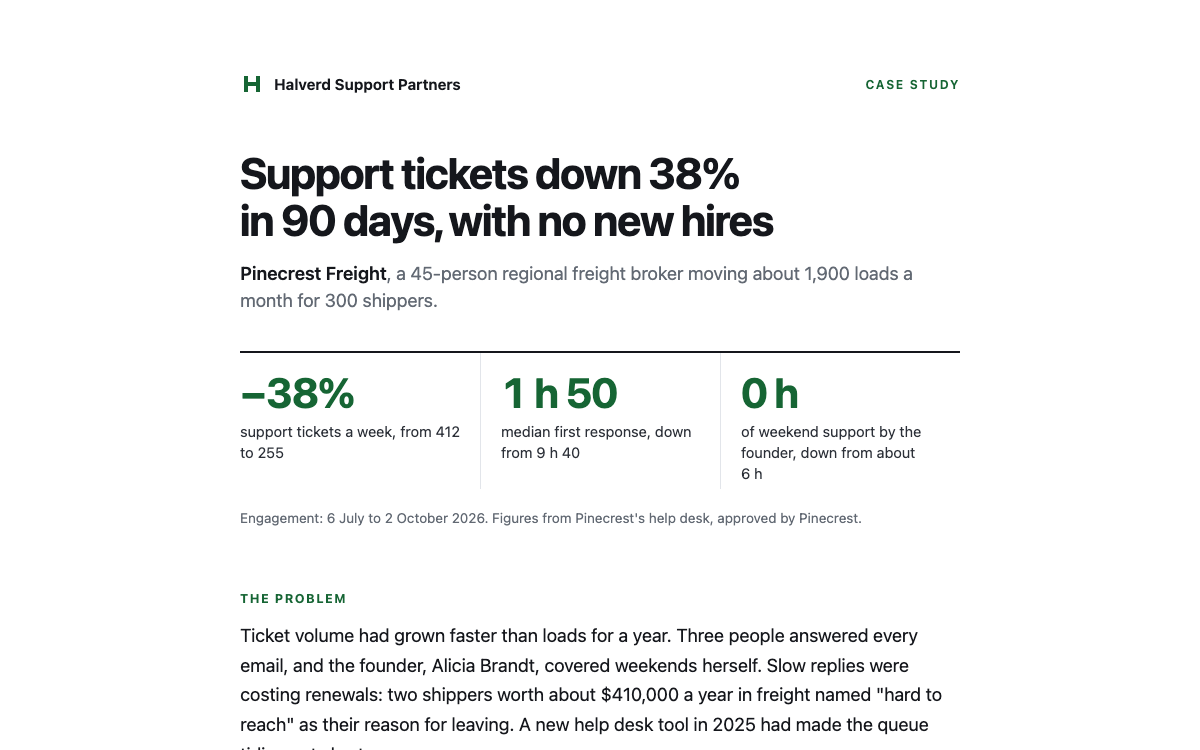
Case study template
Show the client’s problem, the work you did and results a prospect can check.